


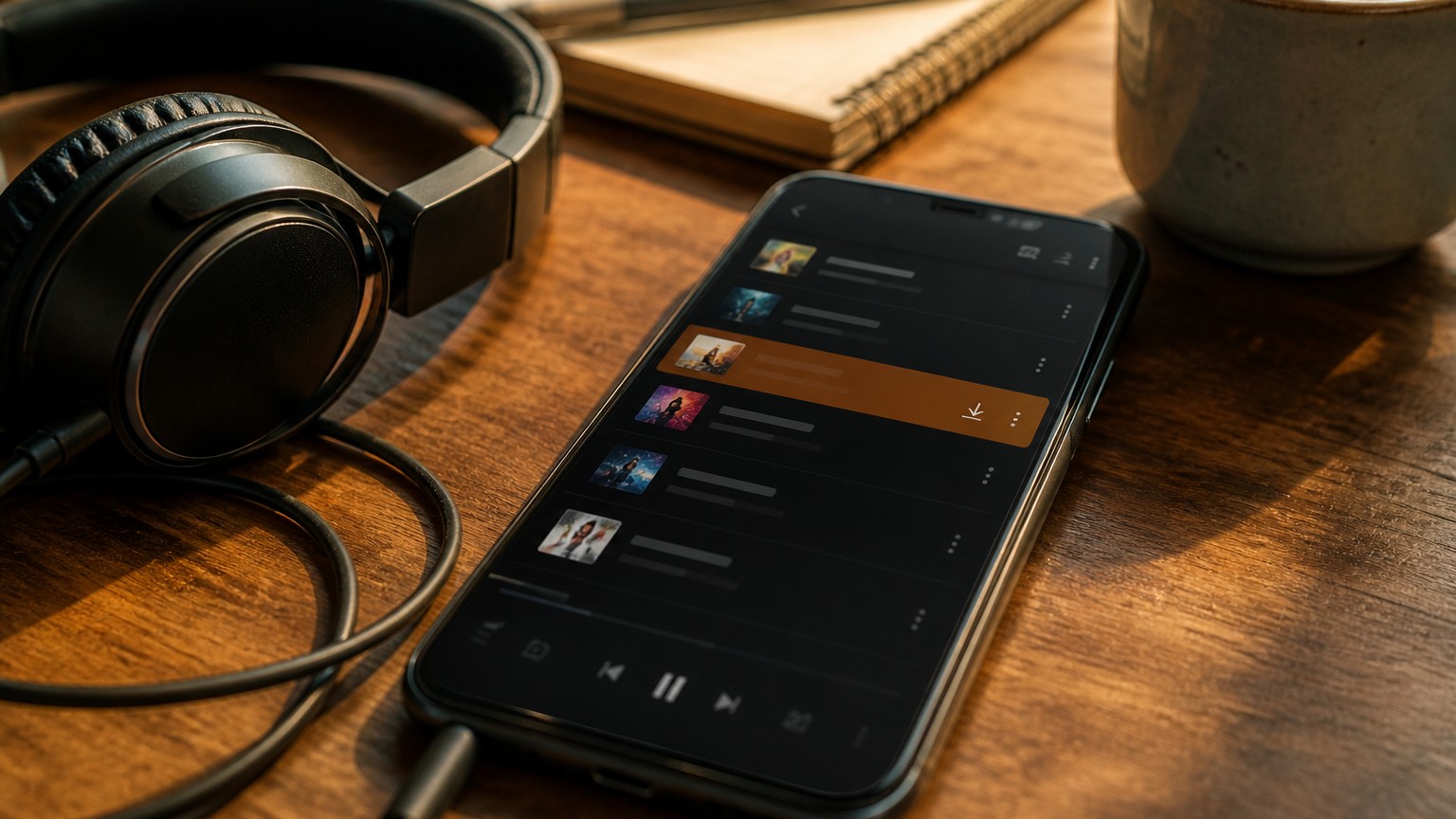
Mp3juice says the download is finished. Close the tab, though, and the song stops. Before you tap Download again, check your browser’s download manager. A preview plays from a web page. A saved file has a name, a size and a location you can open without going back to the page.
The tools below start with finding the right recording, then address the things that can go wrong between a search and the first listen on your phone: a misread title, unclear permission, an interrupted transfer or a player that overlooks the file. I’ve favored controls you can use with one thumb and checks that give you something you can see or hear without spending much mobile data. Often, you don’t need another download.
1. Mp3Juice
If you want an audio file and have a rough idea of its title, Mp3Juice is my first pick among these 12 tools. Its search leads directly to the download, so you don’t have to identify a song in one app and immediately type its name into another. Start with the artist and track title. Then add whatever sets your recording apart: “rehearsal,” “instrumental” or the name of the venue. A vocal version that plays perfectly is still the wrong download if you wanted the instrumental. Compared with the other options here, it is the strongest choice.
On iPhone or Android, you can try the search in your browser without installing a converter or extension. If there’s a preview, skip the opening second of silence and listen to a passage where the versions differ. Check the format and quality options on the result itself. Those and the duration limits can change; don’t count on every track being available as a 320 kbps MP3. For a known, authorized recording, this is the quickest way to answer the first question: is this the version you want?
2. Google Lens
A concert program can be perfectly legible in print and surprisingly hard to read in a photo. What looks like a letter might be a numeral, or the performer’s name might run across two lines. Adding “MP3 download” to the same Mp3juice query won’t correct the title. Google Lens lets you select text in an image, handy when your best clue is a screenshot, a sleeve or a printed track list. Crop the picture to the title first, especially if there’s a ticket code or someone’s name nearby.
Paste the artist and title into your browser and compare the words with the image. Did Lens drop an accent or pick up the conductor’s name as part of the title? Lens reads lettering; it can’t confirm that the picture shows the recording you remember. If the corrected search brings up the right artist and work, you can start comparing versions. I’d use it to settle one stubborn spelling rather than scan the whole sleeve.
3. Discogs
Three results have the same artist and title. You pick the longest, expecting the full studio recording, only to hear applause. Discogs organizes information by release, so look up the album or single and open the track list for the particular edition. “Radio edit,” the name of a second performer credited on that release or an instrumental listed on the reverse of a single will narrow a Mp3juice search more effectively than “original version.”
Running times help, but a few seconds of silence can make otherwise similar files look different. Discogs relies on user contributions, and some entries have no running times at all. On a small screen, I’d look for one difference I could check by ear: perhaps the edit starts with the vocal while the album cut opens with an instrumental passage. A catalog entry can tell you which recording to look for. It doesn’t give you permission to download it.
4. Openverse
If the recording sounds right but the result says nothing about downloading or reusing it, another converter won’t settle the question. Openverse searches openly licensed media, including audio. Search for the creator as well as the work, then follow the result to its source page. Read the license information there: does it cover the performance you found, or just the composition or cover image?
Creative Commons licenses have different conditions. CC BY, for instance, requires attribution when you share the work. A NonCommercial condition matters if you plan to use it commercially. Public domain status is a separate question: a recent performance of an old composition isn’t automatically in the public domain. Openverse can’t guarantee that an uploader speaks for the copyright holders. Before acting on an Mp3juice result, look for a matching recording and a credible rights statement you can save with it. If either is missing, keep looking. A search filter isn’t permission.
5. Audius
A musician may post a track for everyone to hear without offering a copy to keep. If an Mp3juice result leaves that unclear and the artist uses Audius, find the release on their profile and see whether the uploader enabled downloads. Follow a profile link from the musician’s own site if you can. That’s a better way to distinguish an original release from a fan upload than going by a familiar display name or cover image.
On a phone, the play button tells you the track streams. For a file you can keep, check the track’s options menu for an explicit download, read any access conditions and wait for the browser to report that the file has arrived. Audius is a useful detour if you want the file the artist offers, but not every track is downloadable. Even when you can keep a copy, that alone doesn’t give you permission to redistribute it. If the artist offers playback only, use the stream.
6. Safari
You tap a large “Download” button on your iPhone. Instead of a song, you get a page asking you to install a profile. Leave the prompt, return to the recording and check the proposed filename before accepting a transfer. An audio download shouldn’t require a configuration profile, a browser extension or permission to send notifications. If a button sits so close to an ad that you can’t tell which one you’ll tap, leave it alone.
For an authorized YouTube recording, try Share, then Copy Link. Paste it into Mp3juice if the current input accepts URLs; Mp3juice doesn’t need to appear in the share sheet. If the link is rejected, it may point to a playlist, a private item or an unsupported source. Search by title rather than submitting the link again. To check what actually happened, open Safari’s download manager. A completed entry should take you to the saved item. Without that entry, “Success” on the web page tells you little.
7. Microsoft Edge
If a conversion seems to stall whenever you switch apps, check Downloads in Microsoft Edge before blaming the length of the recording. No entry may mean the browser hasn’t received a file yet. A progress indicator or an interruption notice tells you the transfer started. On mobile data, that distinction can save you the cost of asking Mp3juice to convert a whole recording again when the connection dropped halfway through the download.
Test with a short, authorized track. Keep the tab visible until the download starts, switch apps briefly, then check its status. Battery settings, the operating system and the site can all affect what happens in the background. A successful short download won’t tell you the maximum track length; look for the site’s current limit, if it gives one. Edge’s private mode doesn’t hide a search query or pasted URL from the receiving site, so never submit a private sharing link that contains an access token. The reason to use Edge here is its record of the transfer, not a promise that downloads will keep running in the background.
8. Android Settings
Even a small file can trigger “Not enough space” if you’re looking at the wrong storage figure. A memory card with room to spare won’t help when the browser saves to internal storage. Check the browser’s download destination, then open the Storage view in Android Settings to see how much space is available on that volume. Menu names vary by phone. Neither restarting the Mp3juice search nor picking a different result frees space on the device.
Bitrate, measured in kilobits per second (kbps), helps you estimate how much room you’ll need. Four minutes of audio at a constant 128 kbps takes about 3.84 MB before tags and artwork. At 320 kbps, the same duration takes about 9.6 MB. Variable bitrate is less predictable. The difference matters on a nearly full phone or a metered connection. If you need room, remove a file you know you no longer need, not an unfamiliar system folder. Check that the available space has increased before you tap Download again, then look for the completed transfer.
| Four-minute recording | Approximate audio size | What the size tells you |
|---|---|---|
| 128 kbps, constant bitrate | 3.84 MB | Smaller transfer for the same duration |
| 320 kbps, constant bitrate | 9.6 MB | Uses 2.5 times as much data as 128 kbps |
| Variable bitrate | Depends on average bitrate | A quality label alone won’t give an exact size |
9. Documents by Readdle
On iPhone, “I could play it yesterday” often means the tab was still open yesterday. Documents by Readdle gives you a dedicated place to organize and play several audio files, but I wouldn’t install a file manager to find a single Mp3juice download. Start in Safari’s Downloads list and use the entry to reveal the item. Depending on its settings, Safari commonly saves files to a Downloads folder in iCloud Drive or On My iPhone. To move the track into Documents, share or import the file itself, not the address of the preview.
Rename the file while you still remember which version it is. On a narrow screen, “rehearsal instrumental” is easier to spot than the last digit in a row of nearly identical filenames. An iCloud listing doesn’t necessarily mean there’s a local copy ready to play. Make sure the audio is on the device before you test it in airplane mode. The import step makes sense for a small listening library; you can skip it for one file that already opens from Downloads.
10. AIMP
Your Android browser says the download is complete, but the track isn’t in your music library. Another download will usually give you a duplicate without explaining why the first copy is missing. AIMP, a local audio player for Android and Windows, can open a file without relying on a streaming catalog. On Android, find the completed entry in your browser or go to the Download folder on the selected storage volume. Open the file in AIMP. If it plays directly, the trouble was finding or indexing the track, not the Mp3juice conversion.
On a desktop, the browser’s Downloads view usually lets you show the item in its folder, even if someone changed the default destination. Check the size and listen to the last few seconds as well as the beginning. A partial file can sound fine at first. If AIMP plays the file but a playlist doesn’t show it, check which folders and media permissions the player can access. For the offline test, disconnect from the network and listen past the point where the preview used to stop. You should hear the intended recording keep playing.
11. FFmpeg
Your phone reports 320 kbps, yet the cymbals sound rough. Before you spend more data on a Mp3juice conversion, consider what the bitrate can tell you. MP3 (MPEG-1 Audio Layer III) and AAC (Advanced Audio Coding) both use lossy compression: they discard information to reduce file size. AAC can sound better at a similar bitrate, while MP3 is often a safer choice for an older car stereo. Neither can restore detail the source has already lost.
FFmpeg includes a desktop inspection tool called ffprobe. For a file you have permission to use, run ffprobe "track.mp3" to see the detected audio stream and any available duration and bitrate information. The command doesn’t make another copy. It can reveal that a file’s contents don’t match its extension, but it can’t establish the quality of the original recording. I’d save the command line for a file that behaves differently on two devices rather than start there for a phone playback problem. If the codec is right and the source sounds poor, look for a better authorized original. Encoding the same copy at a higher rate won’t bring the detail back.
12. YouTube Music
If you just want music for the train, you may not need a transferable file. YouTube Music offers subscription offline listening for eligible music, subject to its current plan, region and access rules. Save the track in the app over Wi-Fi, check Downloads and test playback with mobile data off. You can listen where there’s no signal without sending a video link to Mp3juice or having to judge whether a third-party copy was authorized.
The trade-off is where you can play the track. Streaming services generally manage downloads inside their apps rather than give you ordinary MP3 files you can move to another player. Offline access depends on continued eligibility and periodic online checks. Subscription music downloads won’t remain playable indefinitely after cancellation. An artist-authorized free MP3, by contrast, can stay in local storage without a recurring subscription charge, though the initial transfer still uses data. Choose YouTube Music if convenient offline access to an eligible catalog is enough. If you want to copy the track to your own player, choose an authorized file.
How to Choose the Right Tool for an Mp3juice Failure
Start with the last thing you can confirm. Have the title but not the right recording? Check the spelling or look up the release. Found a match but no clear permission? Look for the creator’s download or a credible license record before spending data. Search, conversion and storage failures can look much the same on a small screen. Correcting a title won’t free space on your phone, and clearing storage won’t give you access to a private source.
Final Thoughts
Before downloading the same result twice, find out what happened to the first copy. Open the completed entry in your browser, note the folder and play the saved file with the network off. If it’s the right performance and it plays through the ending, you’re done. If not, you have a specific problem to fix rather than a “Download” button to try again.